New in the Premium plan
Your workshop live in 3D
Who is working on what, where things are stuck, what is coming tomorrow — from your planning, without sensors. Scroll through a sample joinery.
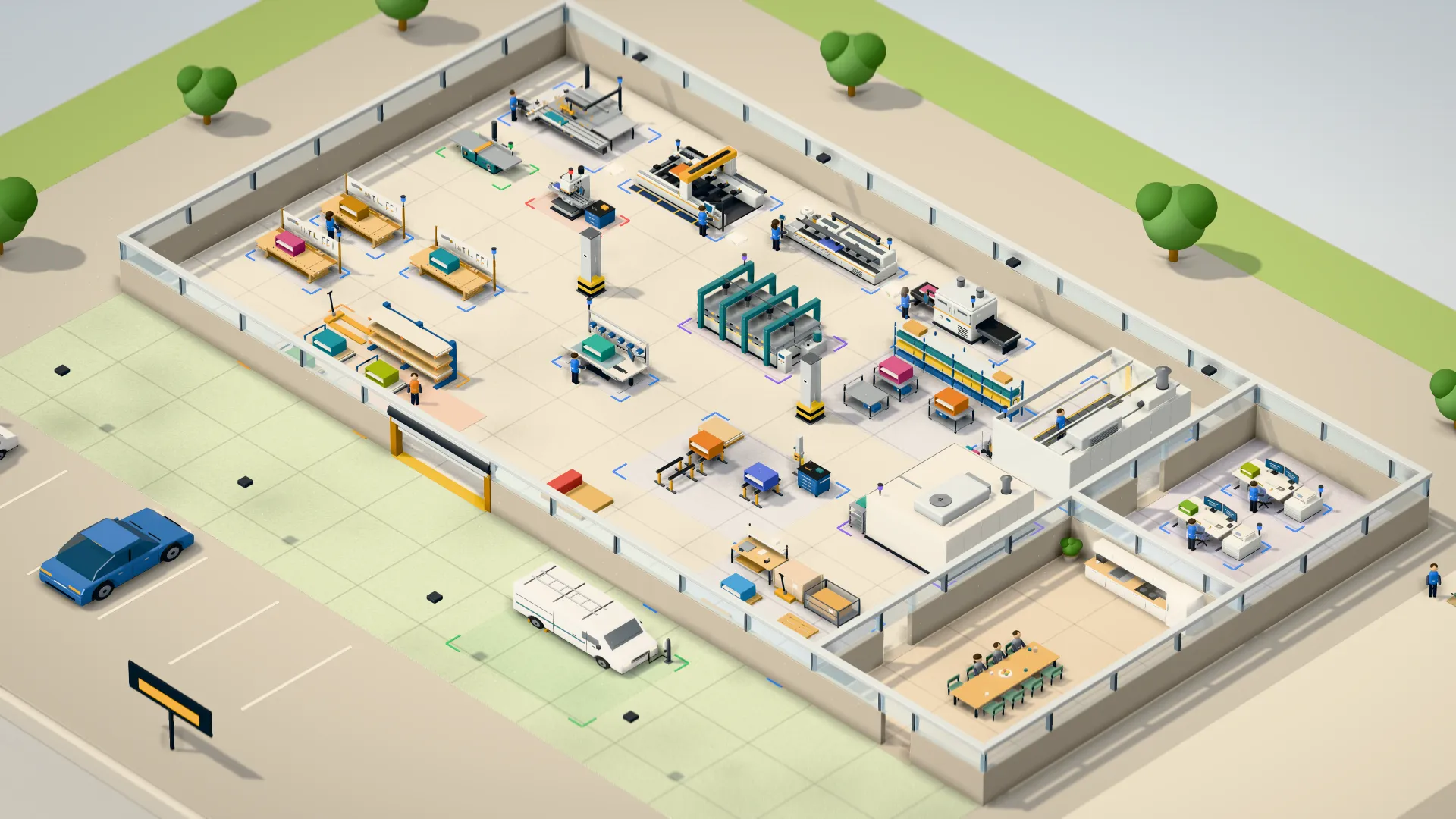
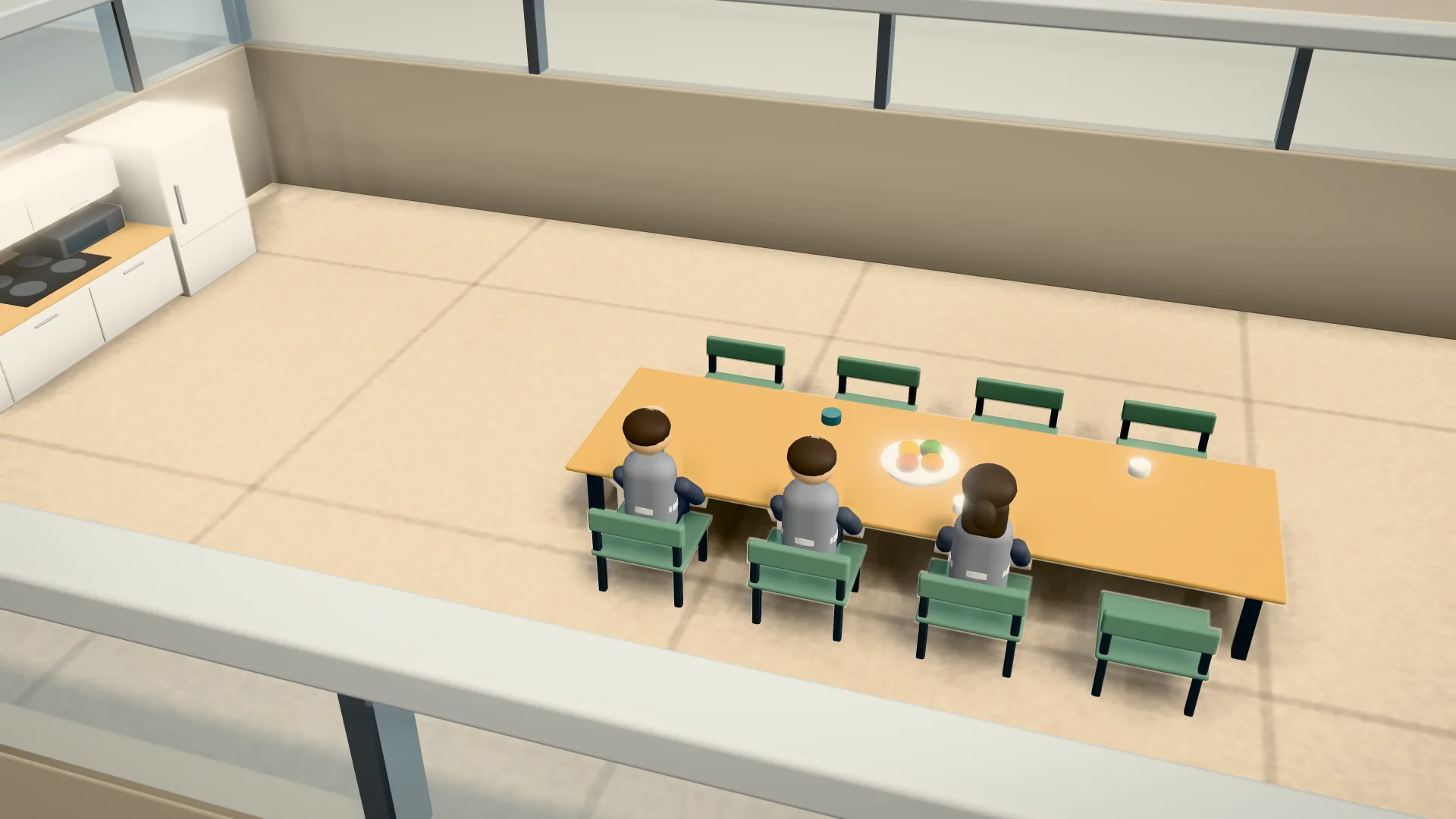
A camera flight through the 3D workshop of a sample joinery with 14 employees: bench room, cutting, CNC, spray booth, break room and shipping. At the end, the control room view shows status, occupancy and deadlines for today and tomorrow.
FreeBusyTightFullConflictRunning unattended
freeoccupiedoverbooked
Delivery overduetodaywithin two dayslater
Planned state for tomorrow, 8:30 am: figures from the assignments, machines idle.
Sample business · invented data
What the control room shows
Three questions in a few seconds: what is running, where is it stuck, and what comes next?
Who is working on what
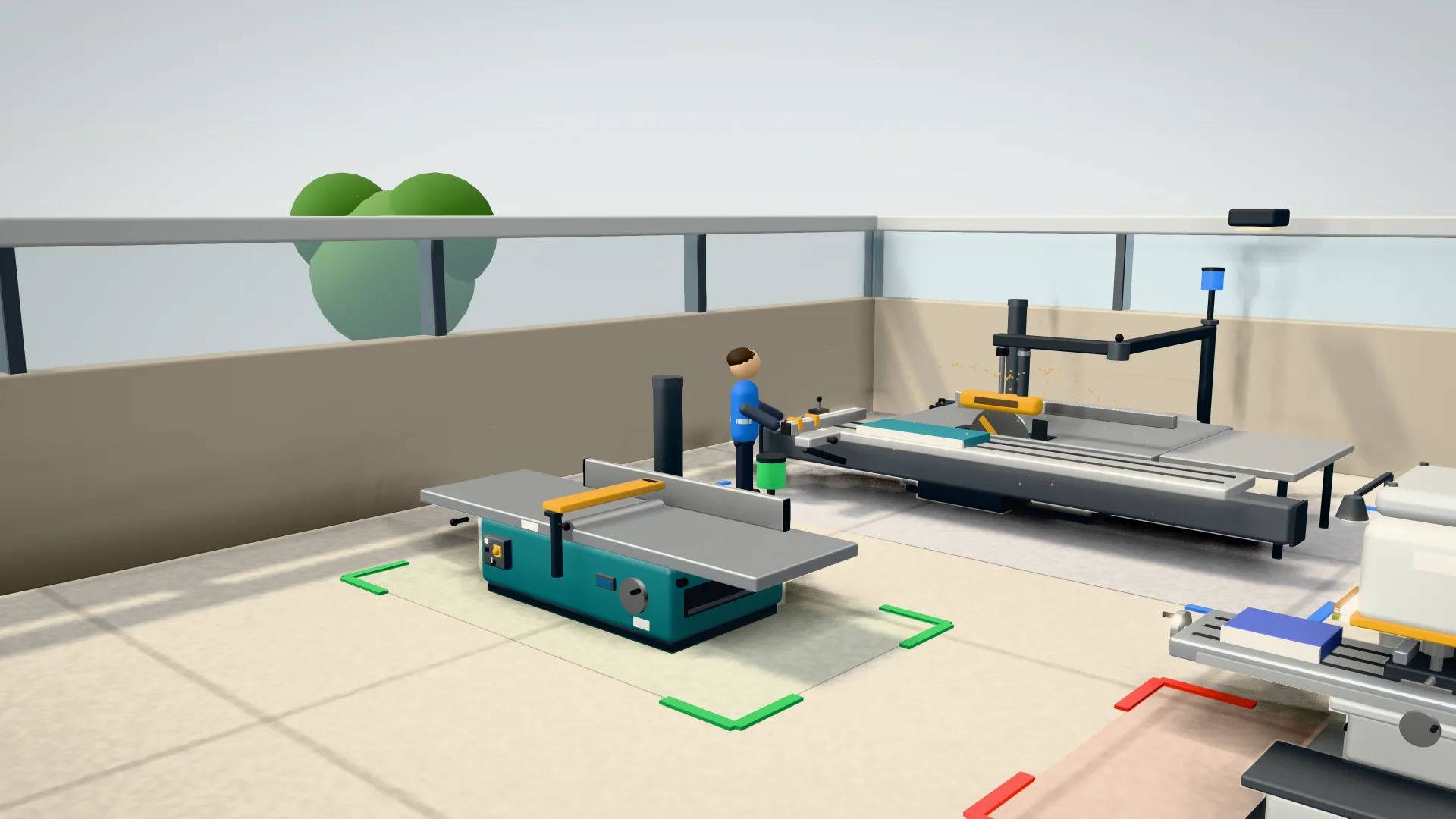
When someone starts the timer on a task, their figure stands at the machine or workbench, and the machine runs. Anyone on a break sits in the break room. Anyone clocked in without a timer stands in the “No timer” zone at the gate.
- Figures from task timers and the time clock
- Workpieces in the colour of their order
- Upcoming steps stacked in front of each station
See at once where things are stuck
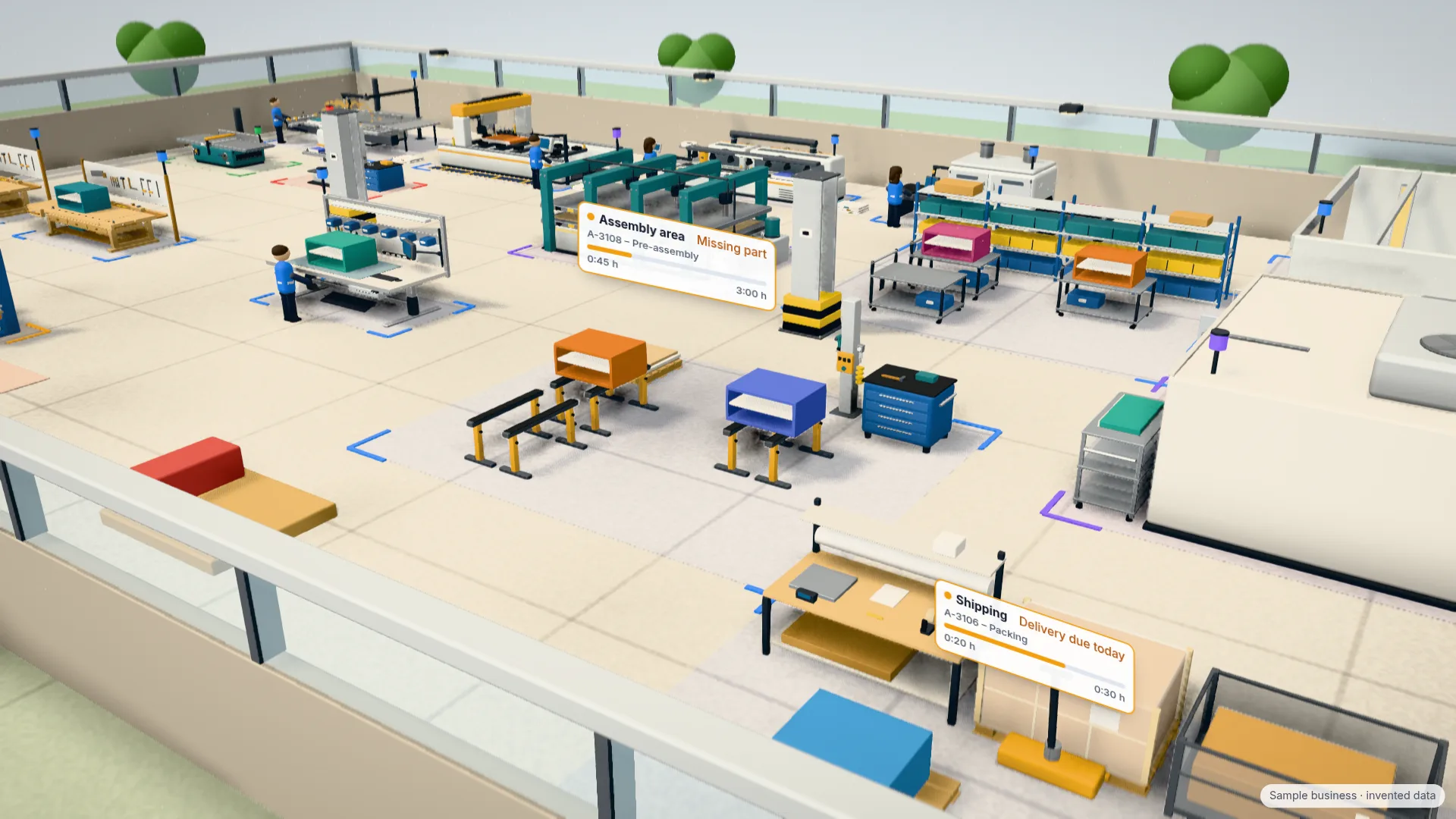
Markers above the stations show what needs attention: a conflict in the sequence, a step whose start is overdue, a missing part or a delivery due today. One click opens the station card with orders, people and queue.
- Conflict, start overdue, over plan and missing part
- Delivery due today and delivery overdue
- A card for each station with orders and people
Now, later today, tomorrow
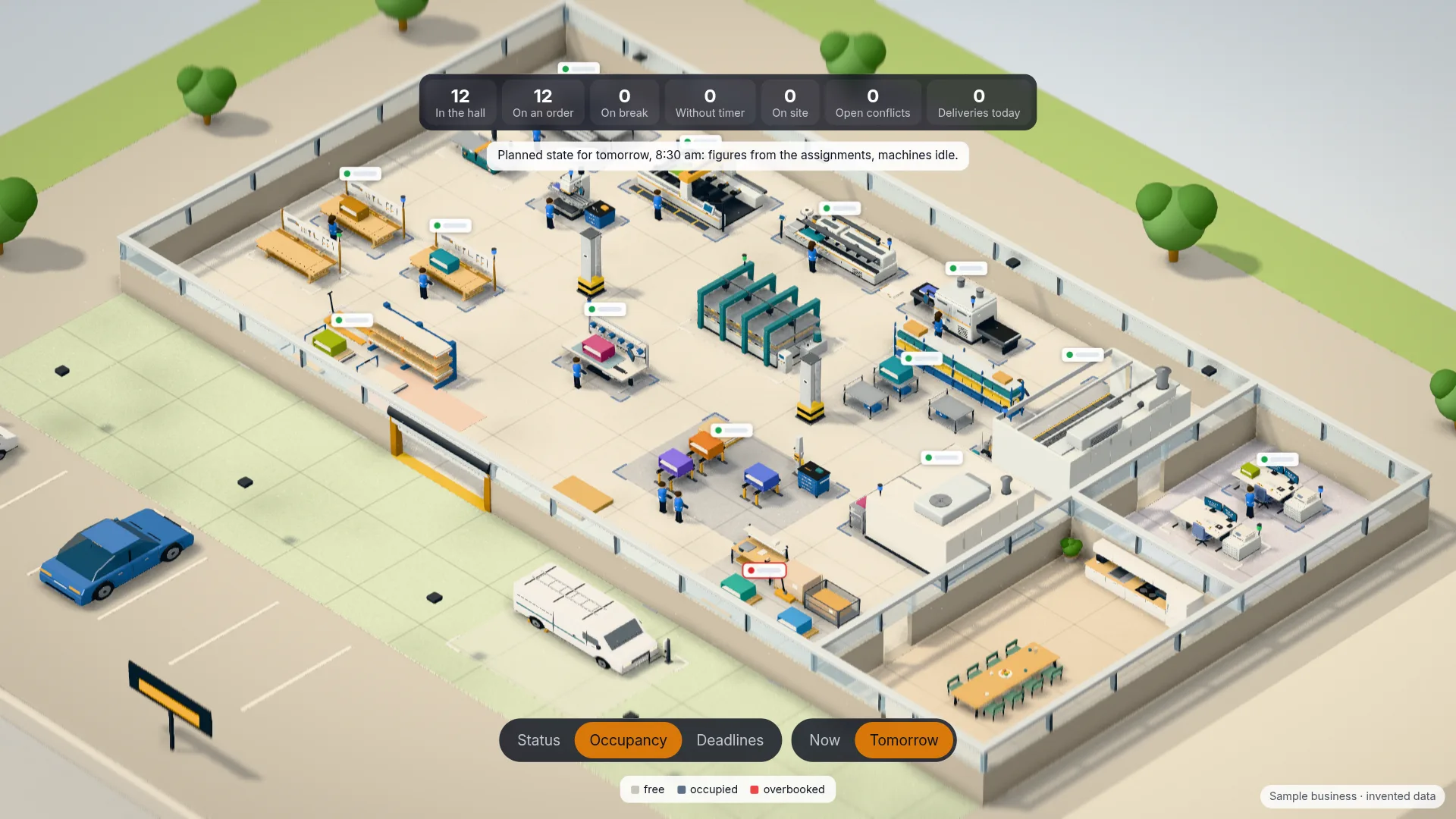
The point in time switches from the current state to the planned state for later today or the next working day. The “Occupancy” and “Deadlines” info views colour the floor by occupied places or by how urgent the deliveries are.
- Current state or planned state from your assignments
- Info views Status, Occupancy and Deadlines
- See tomorrow’s full stations today
From your planning, without sensors
The control room invents nothing and needs no machine data. It shows what Gantway already records: orders with their line items, stations and workplaces, running timers and the time clock. You draw your workshop’s floor plan once, fastest with an industry template.
- No sensors, no extra input
- Floor plan editor with industry templates
- Display only: changes are made in Gantway as usual
Good to know
The control room is included in the Premium plan and in the 14-day trial. On a PC or tablet it shows the 3D scene, on a phone a list with the same information.
- Included in the Premium plan and the trial
- 3D scene on PC and tablet, list on the phone
- Employees see only their own figure, planners and admins see everyone
Everything about the control room in the help centre ↗ (opens in a new tab)
See pricing →See your own workshop
The control room is part of the trial. Draw your floor plan with an industry template, and your running orders appear in the workshop.